A client’s marketing manager logs in to publish a blog post and finds a red banner about a Black Friday discount, a request for a five-star review and a warning that “your SEO score is low”. None of it is about their work. WordPress admin notices were built to tell people that something on the site needs attention. Many plugins use them for sales instead. A new proposal on the Make WordPress Core blog wants to change that. Here is what it says, what it doesn’t change, and how we keep the admin clean for the teams who run the sites we build.
Why plugin ads in the admin are a problem for client teams
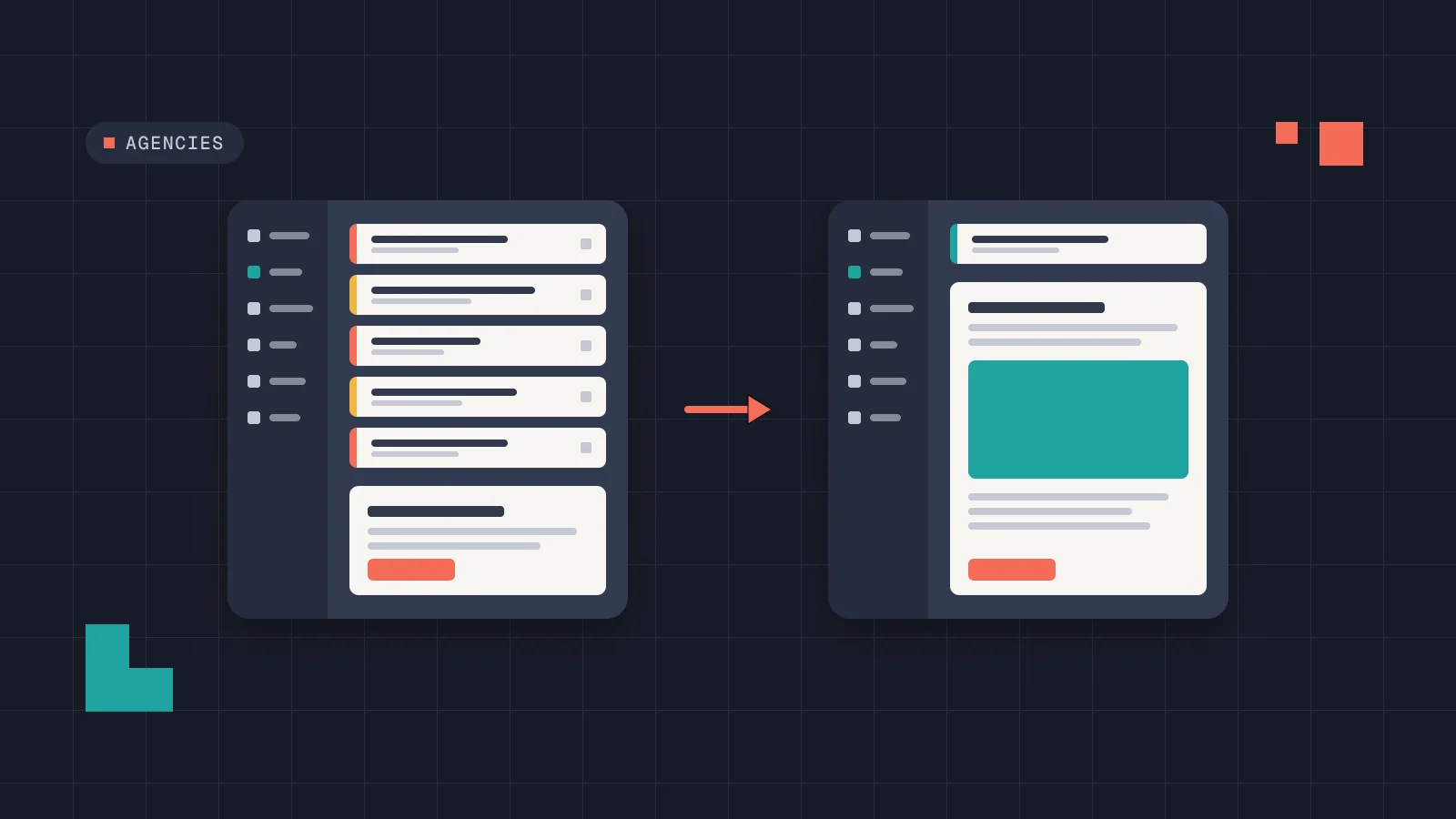
On a site we hand over, the people who log in most are editors: marketing, comms, a shop manager. They are not the people who choose plugins or pay for licences. So every upsell lands on someone who can’t act on it.
The cost is not only annoyance. When ten notices appear on every screen, people stop reading them. Then the one that matters, a failed backup, an expired payment key, a form that stopped sending, gets dismissed with the rest. Some promotional notices are also styled as errors, which sends an editor to the support inbox about a problem that doesn’t exist.
The rules for plugins in the WordPress.org directory already say this. Guideline 11 asks that upgrade prompts, notices and alerts be limited, and kept to relevant places such as the plugin’s own settings page. Site-wide notices and dashboard widgets must be dismissible or go away once the issue is resolved, and advertising in the dashboard is discouraged. In practice, a lot of plugins stretch those words, and there is no technical way to tell a sales banner from a real warning.
What the WordPress admin notices proposal changes
On 16 November 2026, the core team published a proposal for notifications and “declared intent”. The idea is simple: every notice a plugin shows belongs to a channel, and every channel says why it exists.
Five intents, one per channel
- Operational: the site or an automated process changed something or needs attention.
- Setup: something is unfinished, and the notice should stop once it is done.
- Activity: someone else did something that involves you.
- Feedback: the result of something you just did.
- Promotional: everything else. There is no “informational” category to hide in.
The rules follow from the intent. Promotional notices are hidden on a fixed list of core screens, such as the Dashboard, Plugins, Posts and Settings. They must always be dismissible, can only use the info style and can never look like an error. Setup notices must be dismissible too. The proposal builds on the WP Feature Notifications plugin and on wp_admin_notice(), the function core added in WordPress 6.4, which gains a channel argument.
Enforcement comes in layers. First, the wording of Guideline 11 is updated and checked by human reviewers. Next, the feature plugin proves the rules and warns developers at runtime. Once plugins can rely on the API, Plugin Check is meant to flag notices that echo their own HTML or have no channel.
What it doesn’t change, yet
- It is a proposal. Feedback is open until 30 November 2026, and several points, including the exact Plugin Check rules, are still marked as undecided.
- Plugins that don’t declare an intent are not hidden or collapsed at runtime. The proposal considered that and dropped it. Older plugins keep printing what they print today until review or Plugin Check catches them.
- The guidelines cover plugins hosted in the WordPress.org directory. A premium plugin sold only from its own website isn’t reviewed there.
- Core’s own notices are exempt, and nothing in core changes for the first version.
So the proposal is good news for the long run, and we will follow it. For the sites our clients run today, it doesn’t remove a single banner. That part is still our job.
How we choose plugins for a client build
The cleanest admin is the one with fewer plugins in it. Before a plugin goes into a client build, it has to pass a short test on staging:
- Do we need it? If the feature is a few lines of code or an ACF field, we build it instead.
- Log in as an editor. We activate it and walk through the admin with the role the client’s team will use. Any banner, review request or upsell that an editor sees is a mark against it.
- Notices stay on its own screens. Setup prompts on the plugin’s settings page are fine. Sales banners on the Dashboard or the post list are not.
- Dismissed means dismissed. A notice that comes back after every update or every login fails.
- No errors for sales. Red is for things that are broken.
- The licence belongs to the client. Renewal reminders go to the person who pays, not to every editor.
Some plugins fail one of these and are still the best option, often a shop, booking or forms plugin. Then we keep it and handle its notices in code.
Our mu-plugin to sort WordPress admin notices by role
This is the small must-use plugin we start from. It goes in wp-content/mu-plugins/, so nobody can deactivate it from the admin. Administrators see every notice, because they are the ones who renew licences and run updates. Everyone else only sees notices from core, the theme and the plugins on an allowlist.
<?php
/**
 * Plugin Name: Admin notices by role
 * Description: People who don't manage the site only see notices
 * from core, the theme and allowlisted plugins.
 */

add_action( 'in_admin_header', 'pw_filter_plugin_notices' );

function pw_filter_plugin_notices() {
	if ( current_user_can( 'manage_options' ) ) {
		return; // Administrators see every notice.
	}

	// Plugin folders whose notices editors still need.
	$keep = (array) apply_filters( 'pw_notice_allowlist', array( 'woocommerce' ) );

	global $wp_filter;

	foreach ( array( 'admin_notices', 'all_admin_notices' ) as $hook ) {
		if ( empty( $wp_filter[ $hook ] ) ) {
			continue;
		}

		foreach ( $wp_filter[ $hook ]->callbacks as $priority => $callbacks ) {
			foreach ( $callbacks as $callback ) {
				$plugin = pw_callback_plugin( $callback['function'] );

				if ( $plugin && ! in_array( $plugin, $keep, true ) ) {
					remove_action( $hook, $callback['function'], $priority );
				}
			}
		}
	}
}

/**
 * Returns the plugin folder a callback was defined in,
 * or null for core, the theme and mu-plugins.
 */
function pw_callback_plugin( $fn ) {
	try {
		if ( is_array( $fn ) ) {
			$ref = new ReflectionMethod( $fn[0], $fn[1] );
		} elseif ( is_string( $fn ) && false !== strpos( $fn, '::' ) ) {
			list( $class, $method ) = explode( '::', $fn, 2 );
			$ref = new ReflectionMethod( $class, $method );
		} elseif ( is_object( $fn ) && ! $fn instanceof Closure ) {
			$ref = new ReflectionMethod( $fn, '__invoke' );
		} else {
			$ref = new ReflectionFunction( $fn );
		}
	} catch ( ReflectionException $e ) {
		return null;
	}

	$file = wp_normalize_path( (string) $ref->getFileName() );
	$dir  = trailingslashit( wp_normalize_path( WP_PLUGIN_DIR ) );

	if ( 0 !== strpos( $file, $dir ) ) {
		return null;
	}

	return strtok( substr( $file, strlen( $dir ) ), '/' );
}
How it works: in_admin_header runs just before WordPress prints the notices. The function looks at every callback hooked to admin_notices and all_admin_notices, finds the file it was defined in and, if that file is inside a plugin folder that isn’t on the allowlist, unhooks it for this request. Nothing is deleted, and an administrator on the same site still sees everything.
The proposal explains why core can’t do this for every site: telling notices apart at runtime needs callback file paths, which are slow and fragile at that scale. On one site, with an allowlist we maintain, it is a trade-off we accept.
The allowlist is the part we tune per project. A shop keeps WooCommerce, a clinic keeps its booking plugin. On other projects we add a folder from the theme with the pw_notice_allowlist filter.
It has limits, and we tell clients about them:
- Notices drawn with JavaScript, or printed directly in a plugin’s own page markup, don’t go through these hooks. A comment on the proposal raises the same gap for JavaScript notices, and it is still open.
- A plugin that is a single file in the plugins folder is matched by its file name, such as
hello.php, not a folder. On multisite, network and user admin notices need the same treatment. - Hiding a notice doesn’t fix what it reports. That is why administrators keep seeing everything, and why someone has to read them.
- It hides plugin notices from editors whether they are ads or not. That is the point of the allowlist: we decide which plugins editors need to hear from.
Don’t try to silence every notice. Decide who needs to see what: administrators see everything, editors see core and the plugins they actually work with, and an administrator reads the rest on a schedule.
Who reads the notices you hid
Someone still has to. On sites with one of our care plans, we update plugins on staging first and check what they report. On sites run in-house, the handover should say which administrator reads the notices and how often.
For agencies we work with, the same rules go into the build so their clients get a clean admin under the agency’s brand. If you hand projects to a partner, add “admin notices by role” to the brief, next to the list of what the client must be able to edit.
FAQ
Can I just hide all WordPress admin notices with CSS?
You can, but you will also hide the ones that matter, such as failed updates or a broken connection. Hide by role and by plugin instead, and make sure an administrator still sees everything.
Will the new proposal remove plugin ads from my dashboard?
Not on its own, and not yet. It is open for feedback until 30 November 2026. It is enforced through WordPress.org review and Plugin Check, so plugins sold outside the directory aren’t reviewed, and it doesn’t hide notices from plugins that haven’t declared an intent.
Is it safe to hide notices from editors?
Yes, as long as an administrator still sees them and reads them. Keep the plugins editors rely on, such as a shop or booking plugin, on the allowlist.
What should plugin developers do now?
Read the proposal and comment before 30 November. Use wp_admin_notice() instead of echoing HTML, keep promotions on your own screens and make every notice dismissible.