The European Accessibility Act has applied since 28 June 2025. If your business sells products or services online to consumers in the EU, your website is probably in scope, and “we’ll look at it later” is no longer a plan.
Who has to comply
The act covers e-commerce, banking, transport, e-books and electronic communications, among others. Micro-enterprises providing services are exempt, but most of our clients, and most of their clients, are not micro-enterprises.
In practice, the reference standard is EN 301 549, which points to WCAG 2.1 level AA. That is the bar we design and build against on every project.
Accessibility is not a plugin. It’s a set of decisions in the design, the templates and the content.
The five problems we find most
- Text and buttons with insufficient contrast, especially on brand colours.
- Menus and sliders that cannot be used with a keyboard.
- Forms without real labels or with errors that are only shown in red.
- Images without alternative text, or with the file name as alt.
- PDFs and embedded videos without accessible alternatives.
How to fix it without rebuilding
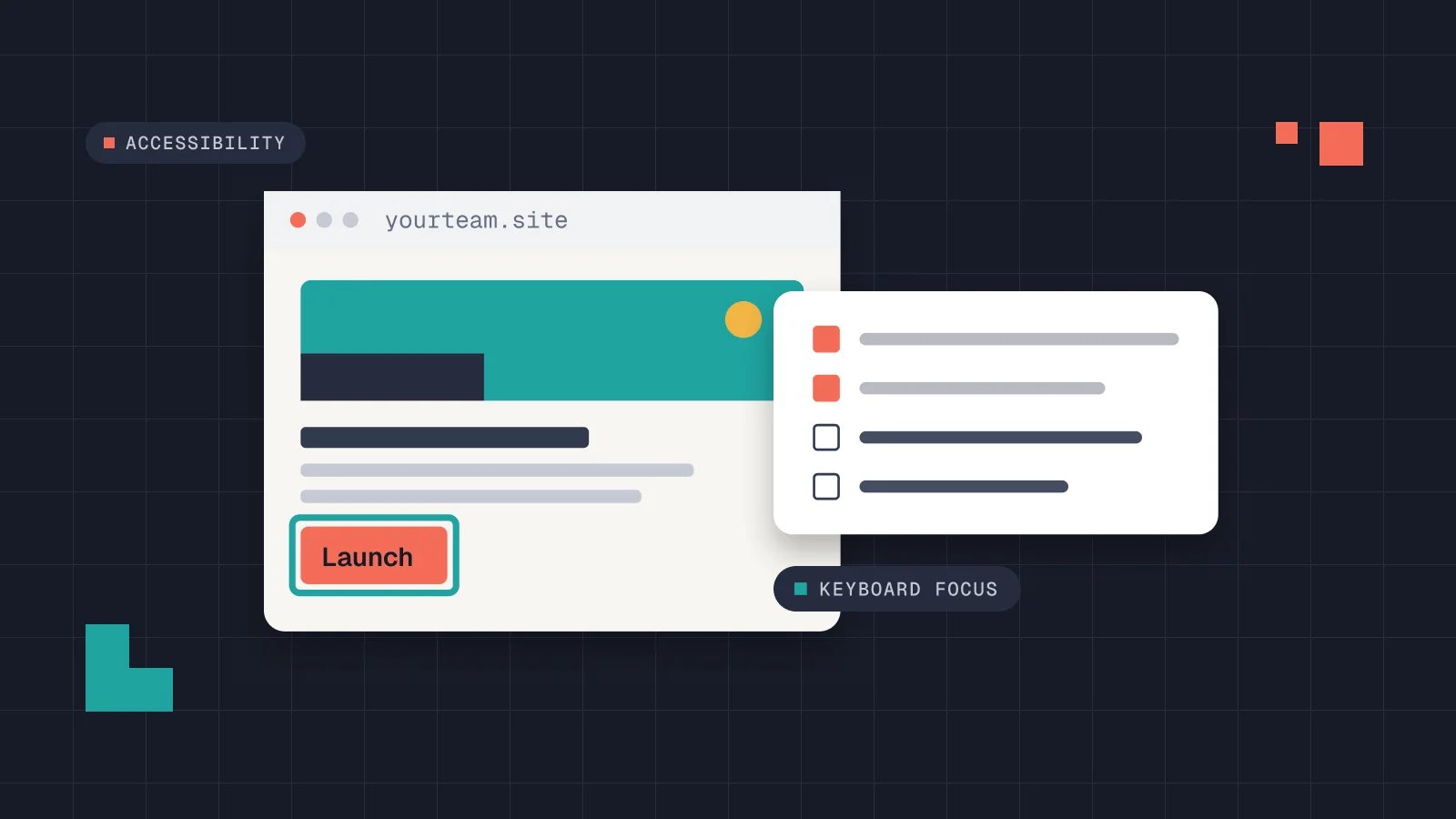
Most issues live in the theme and in a few global styles. Fixing focus states, contrast and form markup once fixes them across hundreds of pages. A small snippet is often enough to start:
:focus-visible {
  outline: 2px solid #F46C58;
  outline-offset: 3px;
}A realistic timeline
For a typical corporate WordPress site, an audit takes a week and the fixes two to four more. Content work, such as alt text and accessible PDFs, is usually what takes longest.