If you use ACF PRO, update to 6.8.12 and the ACF Abilities API is on for your whole site. It is also on for every field group, post type and taxonomy you already had, including the ones you saved before the update. Nothing connects to your site because of that, but the defaults changed, a few names changed, and some local JSON files no longer mean what they used to. This is what the release does, what AI tools can and cannot reach, and the checks we run on client sites after updating.
What ACF 6.8.12 changed
The 6.8.12 release post (19 November 2026) has three changes that matter to a site owner:
- A new Settings page. ACF → Settings has a Features tab that groups switches that used to need a filter in
functions.php: the REST API output, JSON-LD schema, the Abilities API and more. Anything already set in code shows as “Managed via code” and cannot be changed from the screen. - The Abilities API is on by default. Before 6.8.12 you had to enable it twice, once for the site and again for each field group, post type or taxonomy. Now both are on, and existing items are switched on too.
- Renamed abilities and settings. Anything that called an ability by name, or set the old flags in code or JSON, needs a look.
The Abilities API itself is part of WordPress since 6.9. It is a registry where plugins describe what they can do in a machine-readable way, so that other software can discover and run those actions. The WordPress 6.9 developer note explains the core API. ACF registers its own abilities on top: listing and creating field groups, post types and taxonomies, and working with posts and terms of the types you registered with ACF.
What the ACF Abilities API lets AI tools read on your site
Less than the headline suggests. According to the release post, turning abilities on connects nothing by itself. To use them you need three things: WordPress 6.9 or later, an MCP server such as the MCP Adapter plugin, and an AI tool that connects to that server as one of your WordPress users.
That last point is the one to keep in mind. Abilities follow WordPress permissions:
- creating or changing field groups, post types and taxonomies needs the capability you use to manage ACF,
manage_optionsunless you changedacf/settings/capability; - creating, editing or deleting posts and terms needs the same capabilities as doing it in the admin.
So an assistant connected as an editor can do what that editor can do, and nothing more. The risk is not an anonymous visitor reading your data. It is a team member connecting a tool, with their own login, to a site whose structure and content are now described in detail to that tool.
One setting is different. To let an AI tool read and update the values of a field group, the group needs Show in REST API turned on. It is off by default for field groups, and it is the same option that adds the group’s values to the WordPress REST API responses for those posts. If a group holds data you would not put in a public response, leave it off.
Decide it per site, not per update. If nobody on the team will connect an MCP client, switch the Abilities API off in code and move on. If someone will, choose which field groups are exposed and write it down in the handover.
The renames that can break your setup
Three kinds of change, all listed in the release post.
Ability names for posts and terms
Post and term abilities were renamed so a post type and a taxonomy can no longer end up with the same name. For a Book post type, acf/books is now acf/list-book-posts, and acf/create-book, acf/view-book, acf/update-book and acf/delete-book now end in -post, such as acf/create-book-post. Taxonomies follow the same pattern with -terms and -term, such as acf/list-genre-terms. Any MCP config or agent prompt that uses the old names stops working until you update it. The abilities for field groups, post types and taxonomies themselves, such as acf/field-groups, keep their names.
Setting names
The site-wide setting enable_acf_ai is now enable_abilities, and the per-item setting allow_ai_access is now enable_acf_abilities. ACF ignores the old names. That matters in the other direction too: code that used the old names to keep abilities off no longer does.
Local JSON saved by 6.8 to 6.8.11
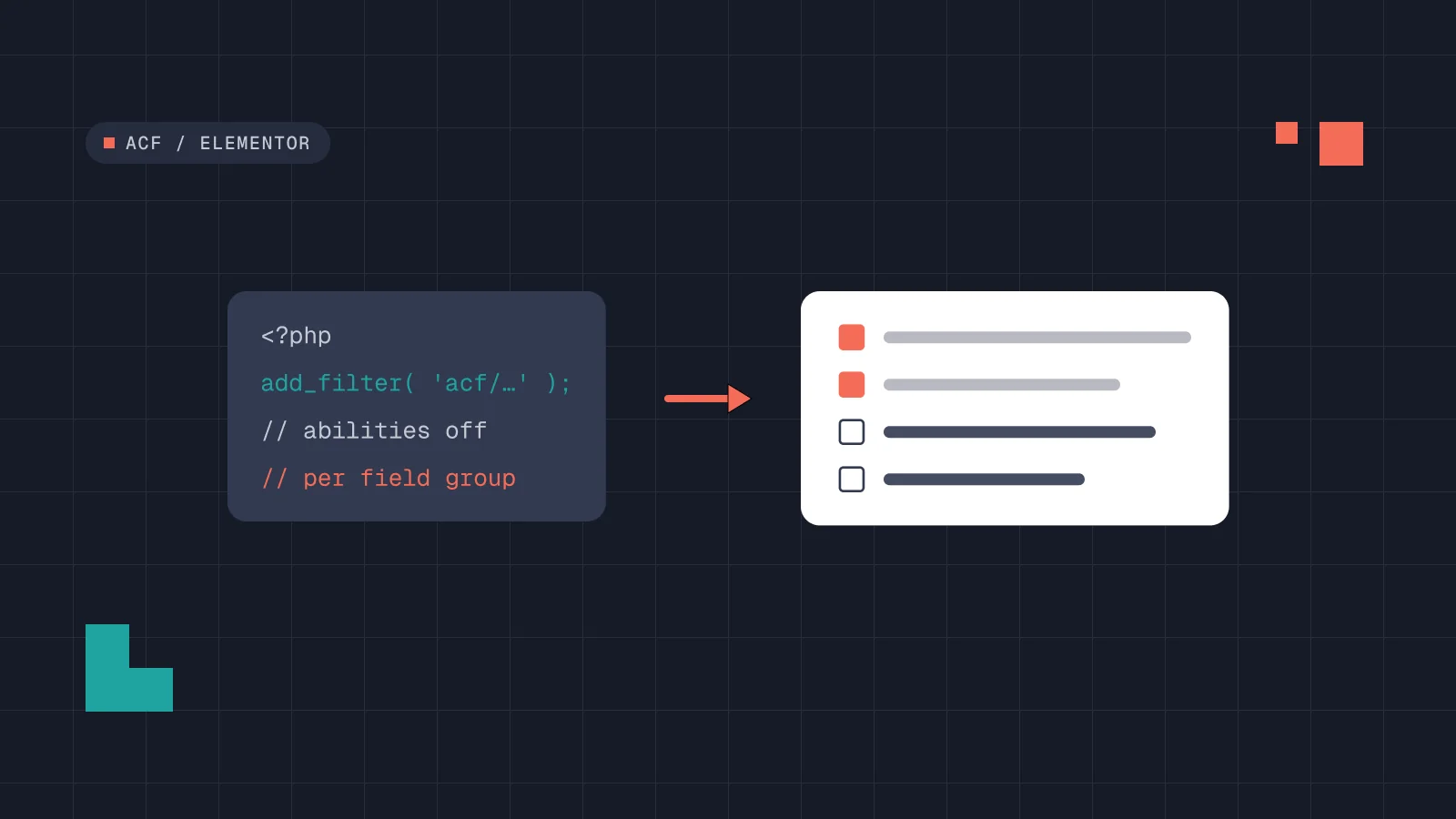
Local JSON files saved by those versions contain "allow_ai_access": false unless you had turned it on. After 6.8.12 that line does nothing, and the group is exposed. If you committed acf-json to a repository, this is where a “private” group quietly stops being private.
What we do on client sites after updating ACF
On the sites we build, ACF PRO holds the field structure, so the update goes through the same custom WordPress development routine as any plugin: staging first, then the checks below. We do not assume that a site is fine because it was fine before.
1. Search the code for the old names
grep -rn "enable_acf_ai\|allow_ai_access" \
  wp-content/themes wp-content/plugins wp-content/mu-plugins
Run it in the repository root as well, so it covers the acf-json folder. Any hit is either code that has to be renamed or a flag that no longer protects anything.
2. Decide the site-wide switch
We set it in code, not on the screen, so it travels with the repository and shows the same on staging and production. Because settings in code win, the Settings page shows them as “Managed via code” and locks the toggle: a client cannot switch it back on from the dashboard.
3. Review which groups are exposed
We open each field group and look at two things: the ACF AI tab, where abilities are enabled, and the Show in REST API option in the group settings. On data platform projects, where some fields are the product and others are internal notes or pricing, the rule is simple: anything behind a login or a plan stays out of both. A platform like Lipid Atlas, built on ACF Pro, is designed so that nobody can rebuild the dataset from outside, and a default that exposes more would work against that. We wrote about the access side in how to sell access to data on WordPress.
How we decide which content lives in fields in the first place is in ACF or dynamic tags for editable pages.
For a group that must never be exposed, the switch lives with the group. In PHP:
acf_add_local_field_group( array(
    'key'                  => 'group_internal_notes',
    'title'                => 'Internal notes',
    'enable_acf_abilities' => false,
    // ...
) );
In local JSON, the same key goes in the group file: "enable_acf_abilities": false.
4. Hide the Features tab for client users
The Settings page is shown to users who can manage ACF. On a client site where someone has manage_options, we hide the Features tab so the options are not changed by accident:
add_filter( 'acf/settings/show_settings', '__return_false' );5. Check what the public REST API returns
Logged out, open the REST URL of a post that uses the group, for example /wp-json/wp/v2/your-post-type/123, and look for an acf key. If a field you did not expect is there, its group has Show in REST API on.
A small mu-plugin we use as a starting point
This one assumes a site where nobody connects AI tools, and where the team does not need the Features tab. Drop it in wp-content/mu-plugins/:
<?php
/**
 * Plugin Name: ACF defaults
 * Description: Sets ACF features in code so the site behaves the same everywhere.
 */

// Abilities API off for the whole site.
add_filter( 'acf/settings/enable_abilities', '__return_false' );

// Hide the Features tab in ACF → Settings.
add_filter( 'acf/settings/show_settings', '__return_false' );
If you do want abilities, remove the first filter and keep the rest of the checklist: names, exposed groups and the REST check. We would rather make that choice once per project, in code and in the handover, than discover it from a setting the plugin changed for us.
FAQ
Is my data being sent to an AI company because of this update?
Not by the update. According to ACF, turning abilities on does not connect anything. A connection needs an MCP server, an AI tool and a login of one of your WordPress users, and it is limited by that user’s permissions.
Do I need to do anything if I do not use AI tools?
We would. Update, search for the old setting names, and decide whether to switch the Abilities API off. The default changed, and an unreviewed default is the part that tends to surprise people later.
What is the difference between abilities and Show in REST API?
Abilities describe actions that connected tools can run, as a user with the right permissions. Show in REST API adds a field group’s values to the WordPress REST API responses. AI tools need the second to read and update field values, and it is off by default for field groups.
My local JSON says allow_ai_access: false. Is that group safe?
Not after 6.8.12. ACF ignores that name now. Replace it with enable_acf_abilities: false if you want the group kept out.
Which ACF version and WordPress version do I need?
The changes in this article are in ACF 6.8.12. Using abilities with a connected tool needs WordPress 6.9 or later. If you need help reviewing a site, our team can do it as part of an update.